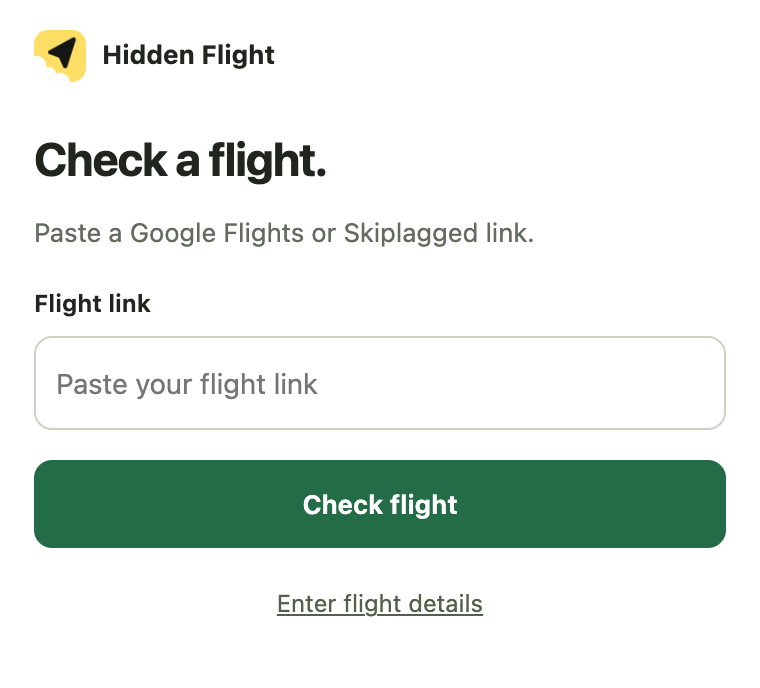
1. Paste or open
Paste a Skiplagged link, or open a ticket's details on Skiplagged and the card reads it for you.
Free Chrome extension · no account
Found a ticket on Skiplagged? Paste the link or open it, and Hidden Flight finds the same flight numbers and dates on Google Flights. Already on Google Flights? Select a flight and it looks for a cheaper longer ticket on that same flight. Either way: Google's current price, every segment verified, one button to the airline. Nothing is booked here.
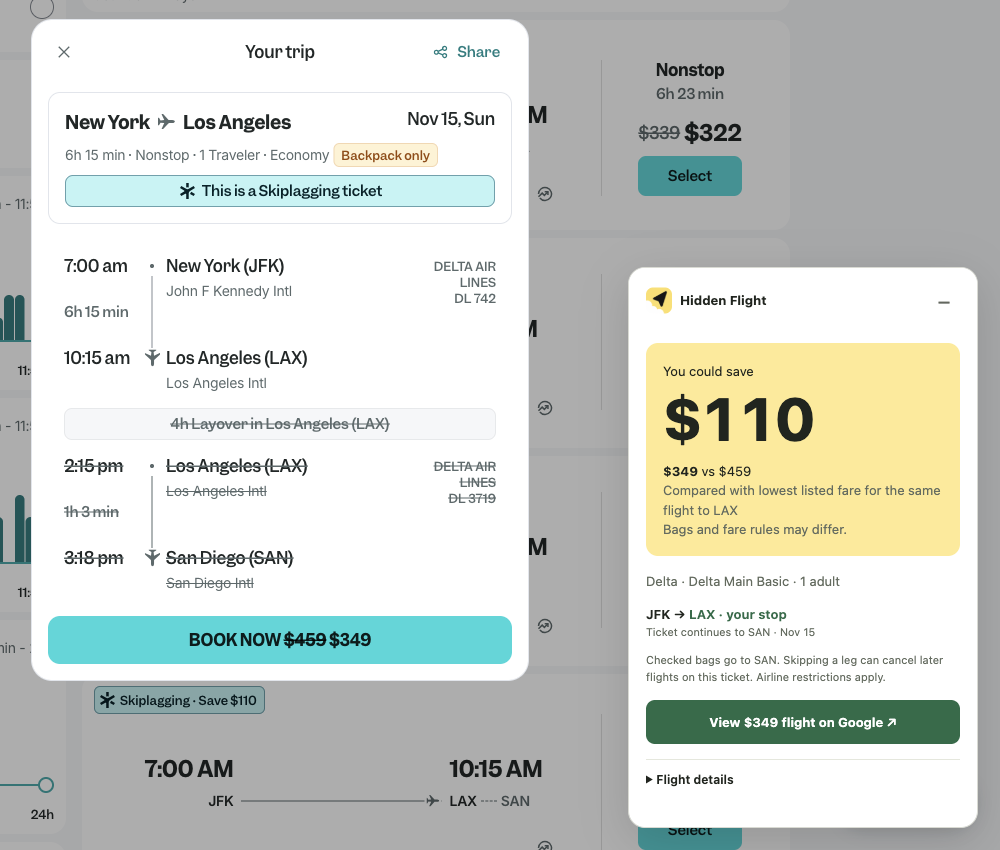
The same card appears on Skiplagged, on Google Flights and in the toolbar. It only ever shows one ticket at a time. Start from a Skiplagged ticket:
Paste a Skiplagged link, or open a ticket's details on Skiplagged and the card reads it for you.
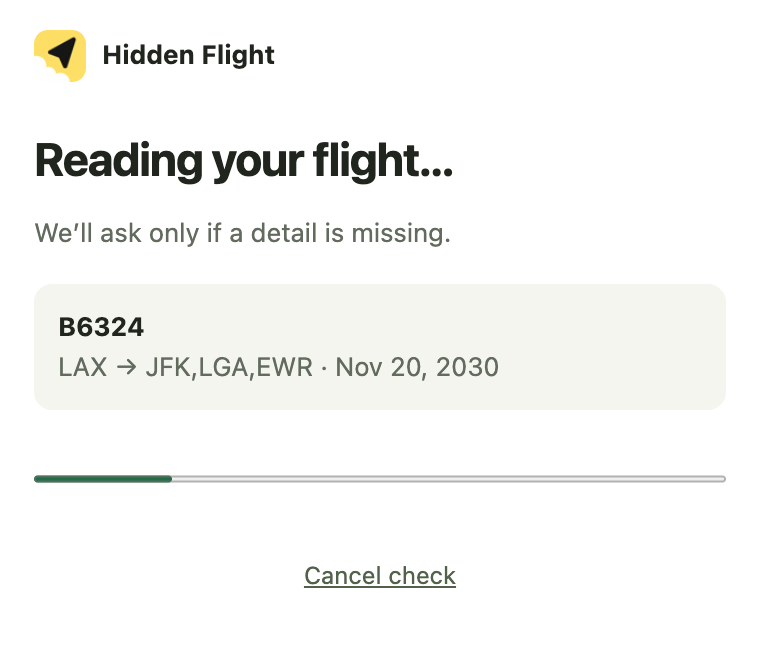
Every flight number and local date must come back. A different departure is never substituted.
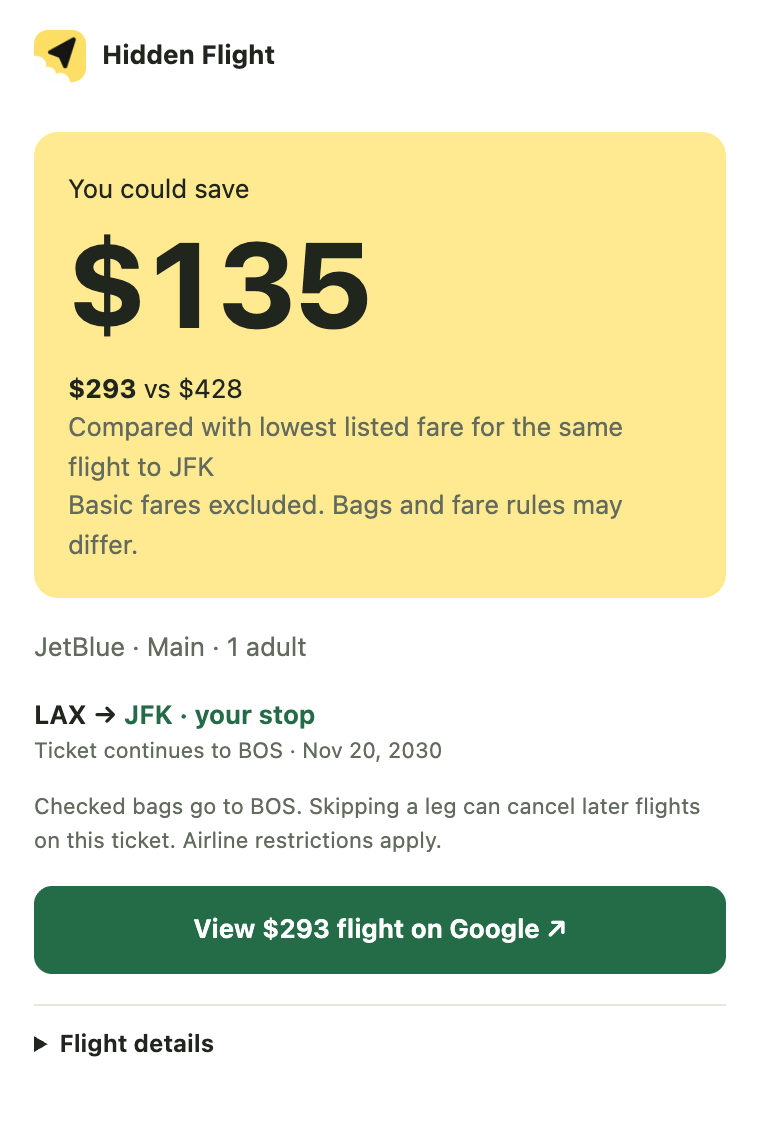
Google's quote with provider and fare brand, the comparison fare, and one button to the booking page.
Example itinerary from the offline test fixture, not a current fare.
Select a flight and click Hidden Flight. The card runs a short search for a longer ticket that starts with that exact flight and costs less, the trick Skiplagged is built on. If it finds one, every segment is verified before you see a number.
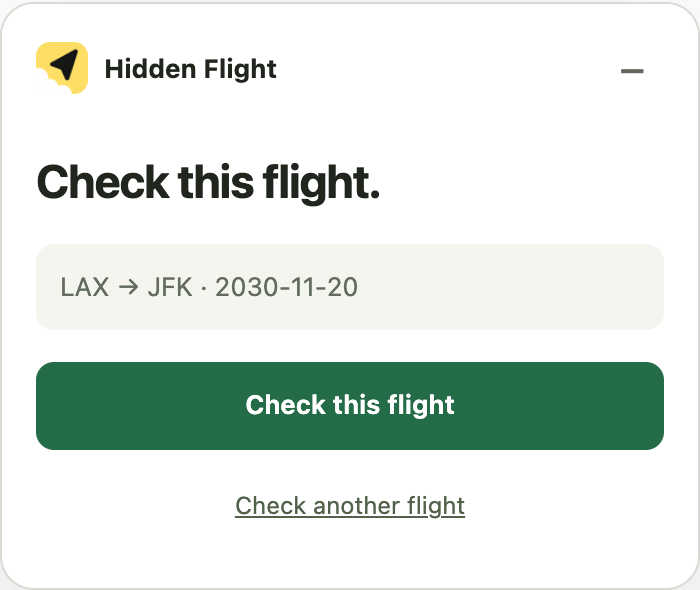
No link to paste. The card reads the flight you selected.
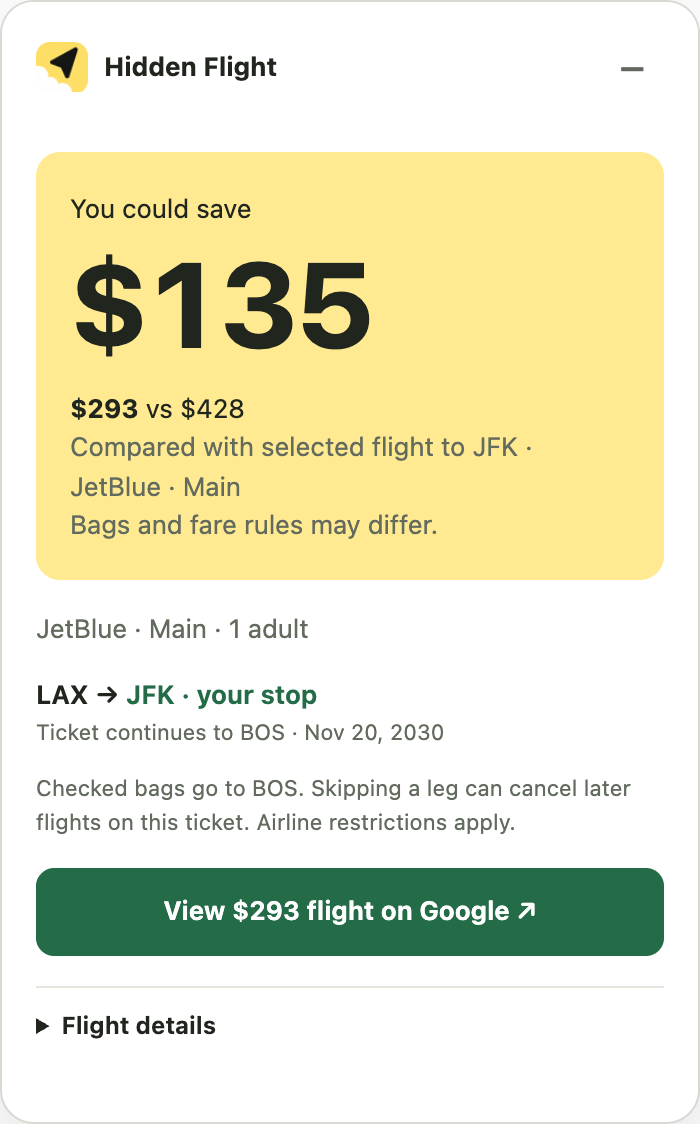
Same first flight, ticketed further. Shown only when Google returns it and it beats the plain fare.
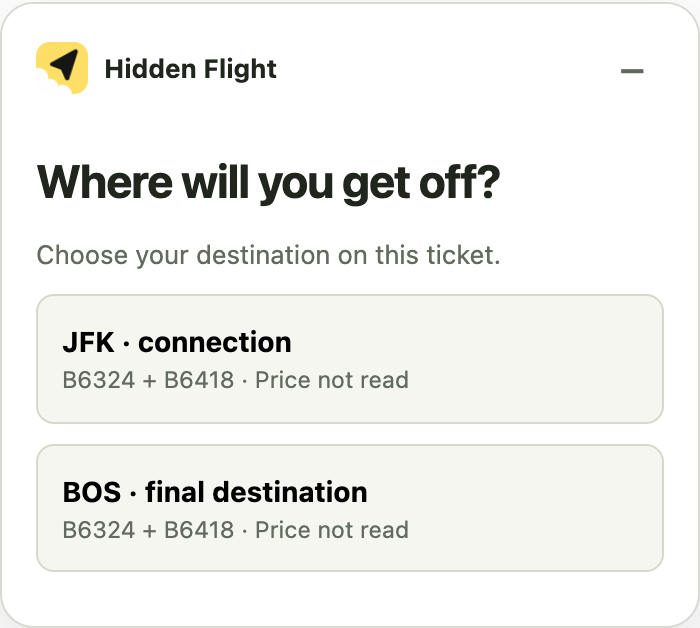
Then it checks that exact itinerary, just like a Skiplagged link.
Example itinerary from the offline test fixture. The search is capped at a few dozen Google requests and runs only when you click.
The card never rounds, estimates or guesses. Each number has one source.
The comparison fare minus Google's quote. It appears only when both numbers were returned for the same flight, date, one adult, Economy, USD.
Google's current price for these exact flight numbers and dates, with the provider and fare brand shown.
The lowest listed fare for the same flight ticketed to your stop. Basic fares are excluded when your quote is not Basic.
Bags, seats and refund rules differ by fare brand. The card hands you to the booking page; it never books.
Five tickets from the recorded checks on 28 Oct 2026. Each number is Google's price for the plain ticket to your stop minus Google's price for the longer ticket, same flight, same day, one adult, Economy, USD. Skiplagged's price matched Google's on every one. Records, not current offers.
Hidden-city ticket $349 · plain ticket to LAX $459
Hidden-city ticket $328 · plain ticket to CLT $646
Hidden-city ticket $194 · plain ticket to LAX $215
Hidden-city ticket $200 · plain ticket to CLT $582
Hidden-city ticket $280 · plain ticket to JFK $319
Differences ranged from $21 to $382 across these five. Bags and fare rules can differ between the two tickets.
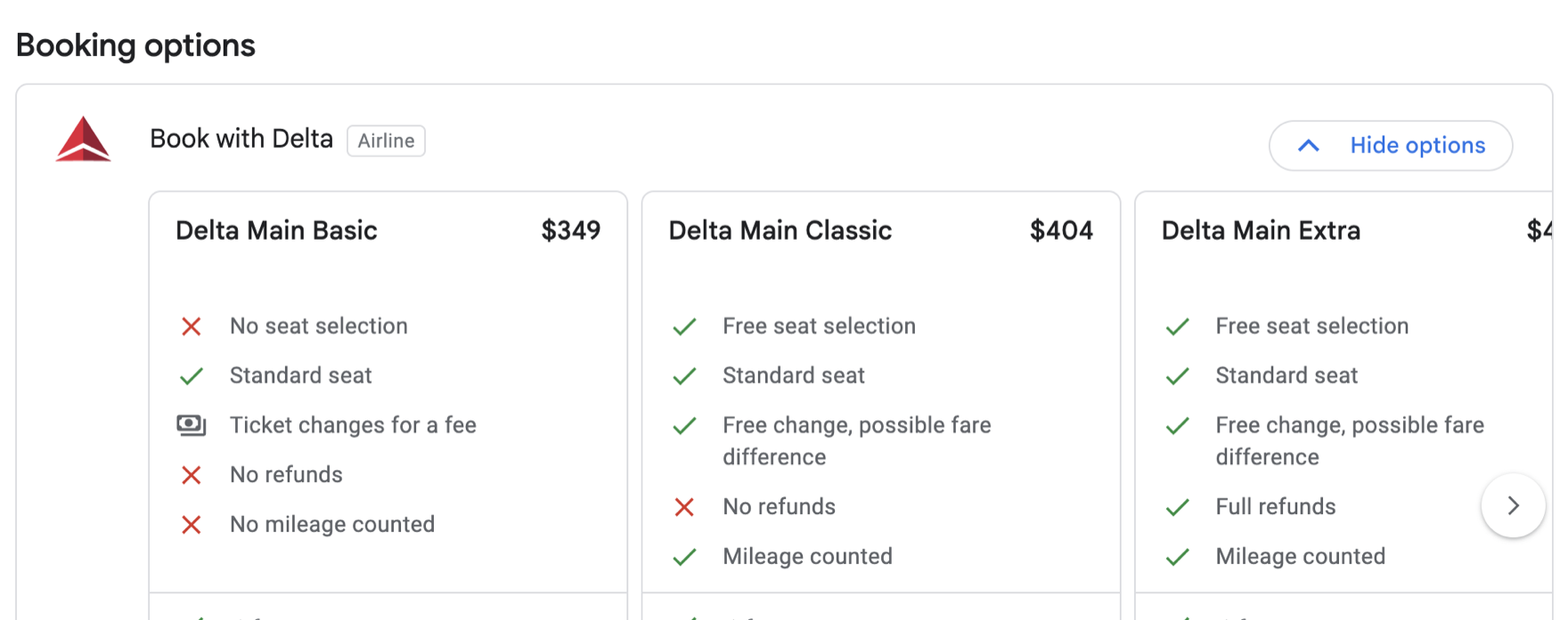
Hidden-city tickets have trade-offs. Skipping a segment can cancel the rest of that ticket. Checked bags continue to the ticketed destination. A reroute can bypass your stop. Confirm the exact flights, baggage rules and final price with the airline.
Coverage today: U.S. domestic, one adult, Economy, USD.
Exact-ticket checks, fresh rechecks and the handoff to the booking page. No account.
Save tickets, watch up to five of them for price changes, and check the same flights on nearby dates. Checks, rechecks and handoffs stay free.
Checkout opens soon.